
Excel
Getting Started
How To Install SkySuite
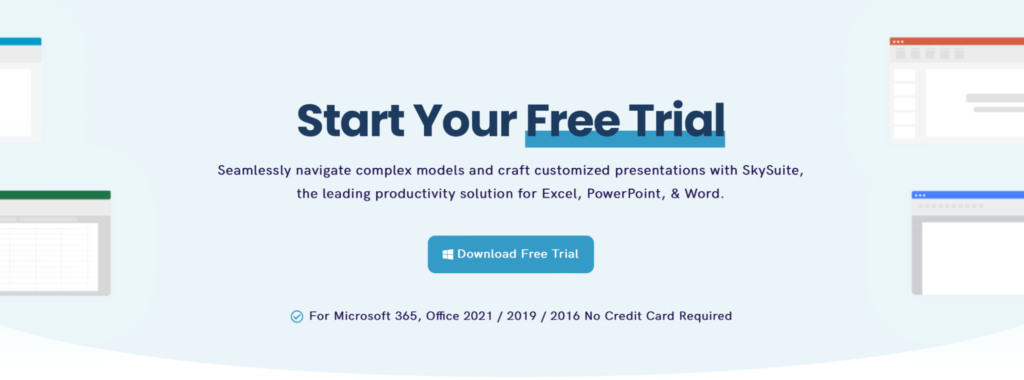
- Step 1: Download SkySuite
- Go to www.skysuite.ai/trial and click "Download Free Trial"
- Step 2: Run the Installer (Windows Only)
- Open your Downloads folder and double-click the SkySuite installer (.exe) file.

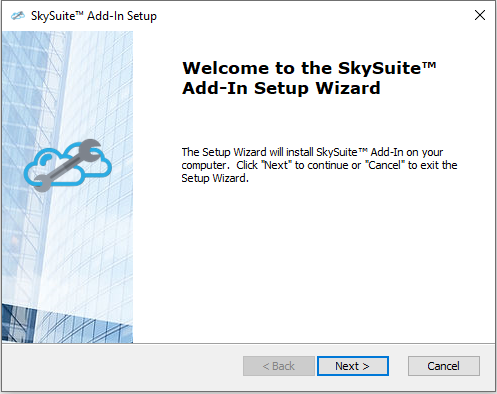
- Step 3: Follow the Installation Prompts
- The SkySuite Setup Wizard will open. Click Next and follow the on-screen instructions to complete the installation.
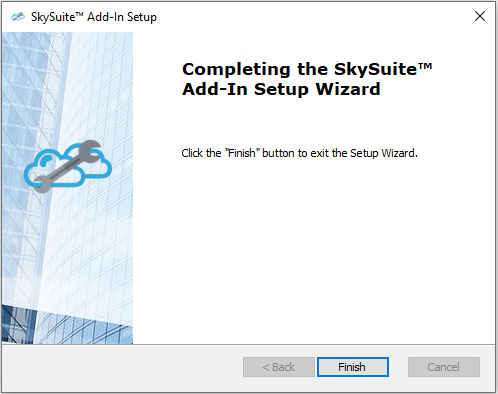
- Step 4: Finish Setup & Open Microsoft Office
- Click Finish when the installer completes. Then open Excel, Word, or PowerPoint to launch SkySuite.
-
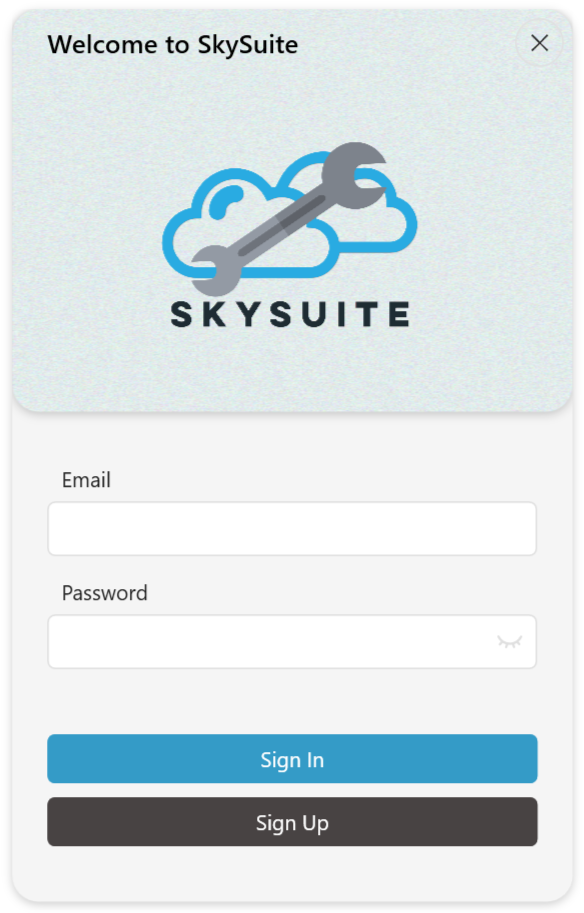
Step 5: Launch & Register SkySuite
-
If SkySuite installed successfully, you’ll see a welcome screen when you open Excel, Word, or PowerPoint.
- You’ll also see SkySuite in the Microsoft Office ribbon. Click anywhere in the SkySuite ribbon, and you’ll be prompted to create an account.
- Congratulations! SkySuite Is Now Ready To Go
- If you have any issues on set-up, please email support@skysuite.ai